



The aircraft maintenance software of the future
for shipyards, aviation companies, and CAMOs!
We offer you cost-effective and reliable aircraft maintenance software for your operation.
You can integrate all your aircraft into ASA-AMOffice© and are always up to date with maintenance intervals and various regulatory requirements. When new official instructions, manufacturer notices, or maintenance work are due, you will be informed via ASA-AMOffice©.
Over 300 satisfied customers across Europe work with our aircraft maintenance software ASA-AMOffice© and support all aircraft types, from ultralights to large commercial aircraft and helicopters.
See for yourself by requesting a test version today!
Always stay up-to-date
Use the update functions of ASA-AMOffice© to keep forms and documents up to date!
Documents
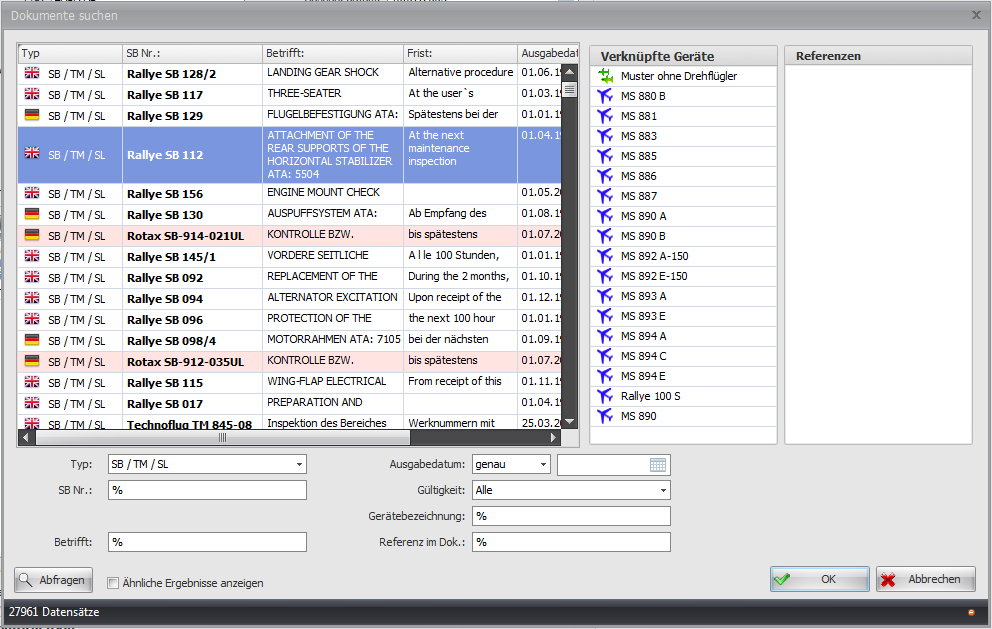
We will regularly provide you with all the latest data on the aircraft you maintain. You can view this data in an LTA/TM/SB overview and a findings report. Individual components can also be covered, of course. To enable quick access to these files, you can view the relevant documents in PDF format.
Forms
ASA-AMOffice© offers you many standard forms (e.g., EASA Form 15b). This allows you to quickly and easily meet regulatory requirements at all times.
In addition to the standard forms, ASA-AMOffice© offers many other forms that make it easier for you to maintain your aircraft.
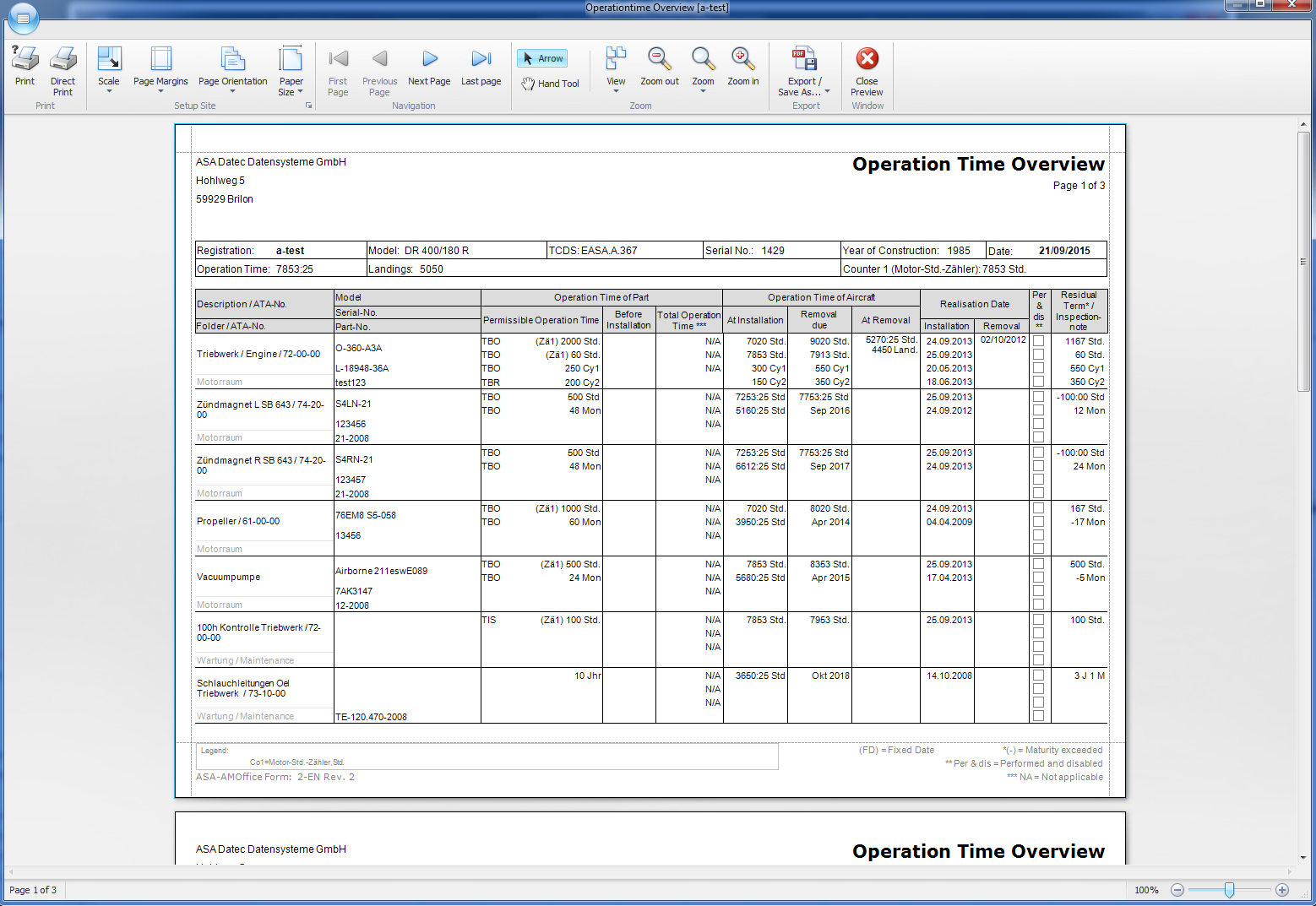
Overviews of operating times, LTAs/TMs/SBs, or runtime restrictions can also be created in no time at all!
Data updates
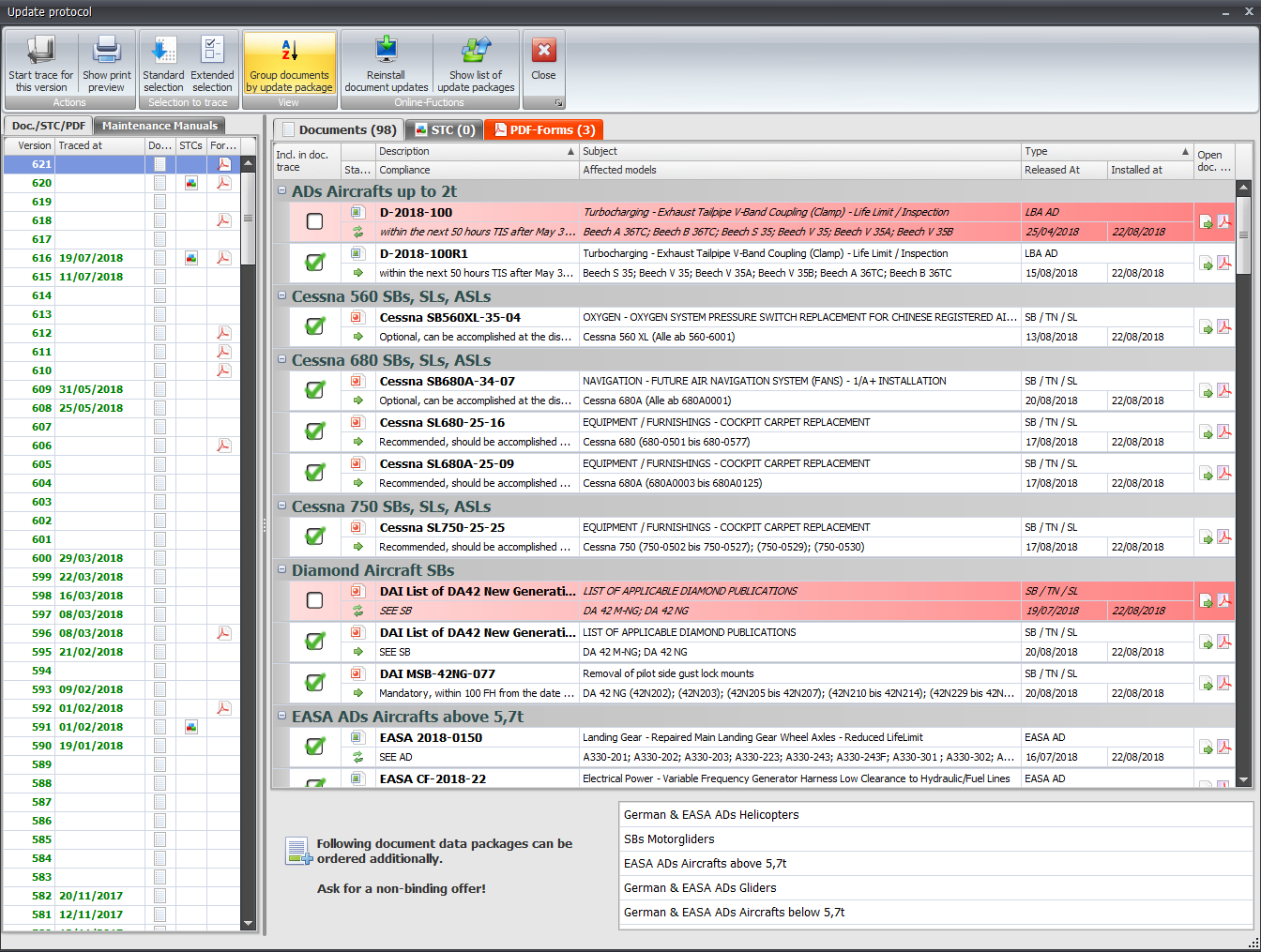
Weekly updates keep the document database up to date and save you a lot of time and effort that you would otherwise have to spend searching.
Once new data has been downloaded, it can be viewed in detail in the update log.
Online features
Network
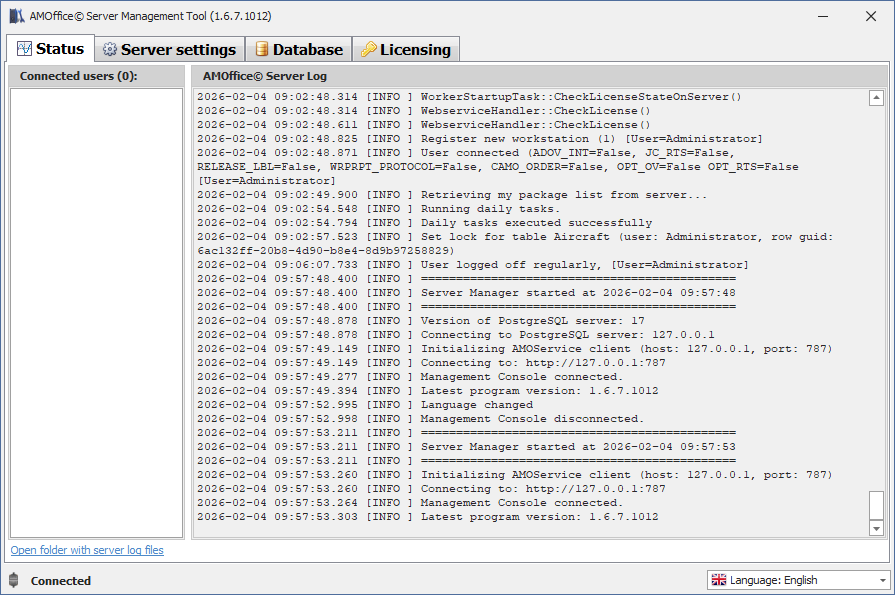
ASA-AMOffice© can be used within a network.
Data is stored centrally on the server and can be viewed by all clients.
You can either host the server on one of your systems or rent a system from us. In this case, we will also take care of keeping the software and forms up to date at all times.
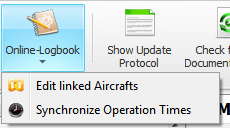
Online Bordbuch
Our online logbook for transmitting logbook data is the perfect interface to your customers! Synchronization with ASA-AMOffice© ensures that your aircraft operating times are quickly and easily kept up to date.
Find out more about the online logbook!
Interfaces
If you use a different solution to record your flight times, you can also import them into ASA-AMOffice©, provided that your solution allows you to export the data as Excel, CSV, or similar.
An example is flight scheduling software LEON
Additional features
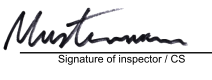
Electronic signature
ASA-AMOffice© offers the option of storing your signature so that you can sign various forms directly.
This way, you don't have to print out forms, sign them, and then scan them back in again; instead, you can sign them directly.
It is important to note that this is only an electronic signature and not a digital signature in accordance with PKI procedures.
Tool management
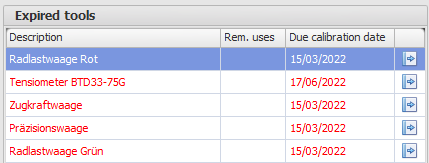
The tool management feature included in ASA-AMOffice© makes it easier for you to fulfill your documentation obligations.
You can enter uses and service life for your stored tools, so you no longer have to keep track of when each tool needs to be recalibrated. The overhaul and calibration of tools is also monitored.
Comparison of versions
The following table compares the three available versions of ASA-AMOffice©.
There is a time-limited trial version, a Limited Aircraft Edition with a limited number of aircraft, and an unrestricted full version.
|
|
|
|
|
| Create any number of aircraft | |||
| Create any number of aircraft positions | |||
| Monitoring of intervals | |||
| Operating hours overviews | |||
| Workreport | |||
|
Import/export of aircraft/forms |
Limited |
||
| Synchronization with the online logbook (if ordered) | |||
| Support and assistance, remote maintenance |
Limited |
||
| Documents |
A few documents for testing |
All document types ordered for the ordered aircraft |
All ordered document types |
| AD / SB Overviews |
Limited to test data |
||
| Regular data updates | |||
| Create more than one user | |||
| Network operation |

* Further restrictions may be added in the future without prior notice.
Versions
Full version
Limited Aircraft Version
Test version